Introduction: Why people choose template builders (and why it matters)
Email marketing still gives one of the highest ROIs, but subscriber expectations are higher than ever. Messages must be responsive, on-brand, accessible, and quick to produce. Building by hand is slow and error-prone, especially across tricky clients like Outlook. That’s why teams pick specialized platforms to speed up design, prevent layout breaks, and keep brand rules tight.
What these platforms really solve:
- Time and consistency: Reusable modules, brand kits, and saved styles keep every send clean and fast.
- Quality across devices: Tested components help emails render correctly on mobile and desktop clients.
- Team workflow: Comments, approvals, and versioning remove back-and-forth and guesswork.
- Scale: Once your blocks are set, new campaigns become drag-drop, tweak, and ship.
If you’re choosing the best email template builder, focus on five things: editor flexibility (drag-and-drop plus custom HTML), template depth, export options, collaboration, and price clarity. In this guide, we review the leaders—starting with Stripo—so you can pick the right fit for your stack and team size.
1) Stripo — Flexible, fast, and built for real teams
Overview
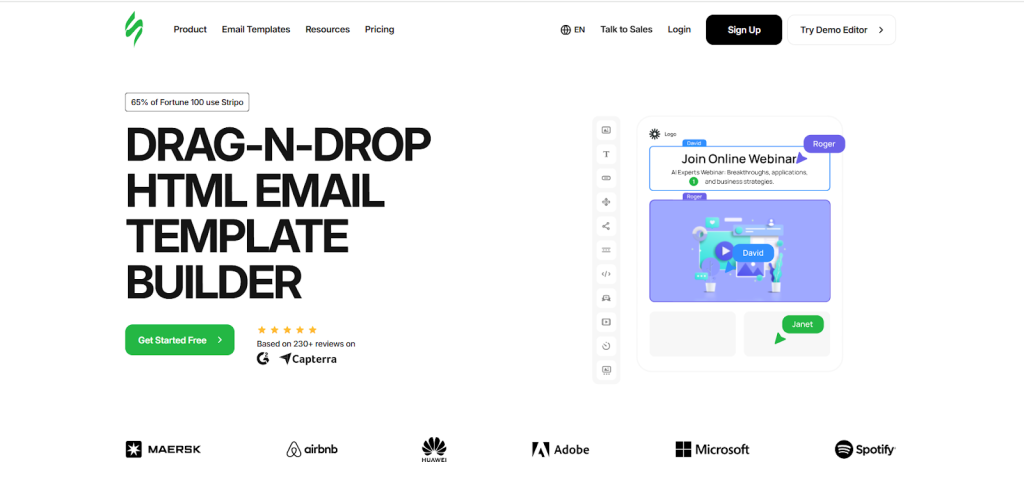
Stripo blends an intuitive drag-and-drop editor with optional custom HTML blocks, so both non-coders and developers feel at home. The platform offers a large library of ready-made layouts, modular content you can save and reuse, brand settings, and QA helpers for common client quirks. You can work from over a thousand templates, or build a system of reusable modules—like hero banners, product cards, and footers—to speed up production week after week. This combination of power and ease is why many teams call it the best email template builder for everyday production and complex design needs alike.
Advantages
- Hybrid creation: pure drag-and-drop plus custom HTML when you want it.
- Huge template and module libraries; easy brand consistency.
- One-click exports to dozens of platforms; HTML export for everything else.
- Collaboration features (comments, roles, versioning) for agencies and large teams.
- Interactive/AMP support and handy “building-block” workflows.
Disadvantages
- Not an all-in-one sending/automation tool—by design, it focuses on design and export.
- Free tier has limited exports (fine for testing; paid plans unlock scale).
Integrations
Direct exports to popular ESPs (e.g., Mailchimp, HubSpot, SendPulse, Klaviyo, Salesforce Marketing Cloud) and clean HTML download. Fits neatly into most stacks.
Pricing (typical structure)
- Free: Core builder with limited exports.
- Business: Adds higher export limits and advanced features.
- Agency/Enterprise: Team controls, SSO, stronger collaboration/governance.
2) BeeFree — Speed and simplicity for quick production
Overview
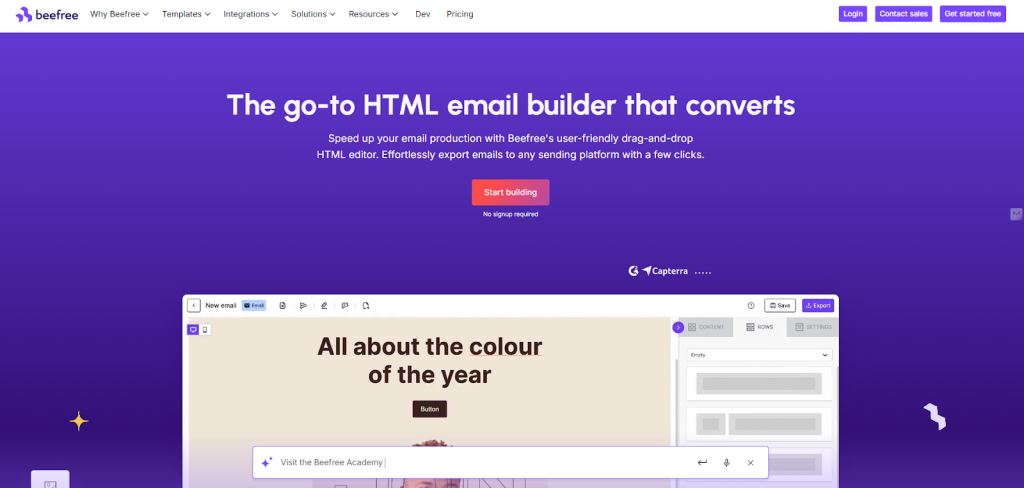
BBeeFree focuses on speed. If you want to spin up clean, responsive layouts fast, its editor is a joy: pick a template, swap content, export. It shines for freelancers, small teams, and agencies that need a straightforward canvas with minimal setup. BEE’s design choices also help first-time builders move from “blank page” to polished send in minutes—making it an appealing free email templates builder to test and a reliable production tool at paid tiers.
Advantages
- Very low learning curve; fast path from template to finished email.
- Clean exports; good default responsiveness and spacing.
- Useful client-review and collaboration features.
Disadvantages
- Fewer deep, developer-level controls than tools like Stripo.
- Some advanced integrations and module-system depth are limited.
Integrations
Exports to major ESPs and supports HTML download; Zapier helps connect it to broader workflows.
Pricing (typical structure)
- Free: Great for trying the editor and small sends.
- Pro/Teams: Adds collaboration and expanded export/brand features.
3) Chamaileon — Collaboration and governance for multi-brand teams
Overview
Chamaileon aims at teams that manage multiple brands and approvals. Real-time co-editing, granular permissions, and strong template governance make it a safe choice for agencies and enterprises. Its building blocks and design guardrails keep everyone aligned, while still allowing custom HTML for advanced layouts—so it works well as email template software that scales across departments and markets.
Advantages
- Real-time collaboration and comments; approval workflows that are easy to follow.
- Brand and template governance to protect consistency at scale.
- Hybrid editing (no-code + HTML) with reliable rendering.
Disadvantages
- Pricing can feel higher for very small teams.
- Template library is solid, but less expansive than some design-first rivals.
Integrations
Connects with popular ESPs (native and via Zapier) and supports HTML export for custom stacks.
Pricing (typical structure)
- Trial: Enough to validate collaboration and rendering.
- Team/Enterprise: Adds roles, permissions, and larger workspaces.
4) Mailchimp — All-in-one platform with a capable editor
Overview
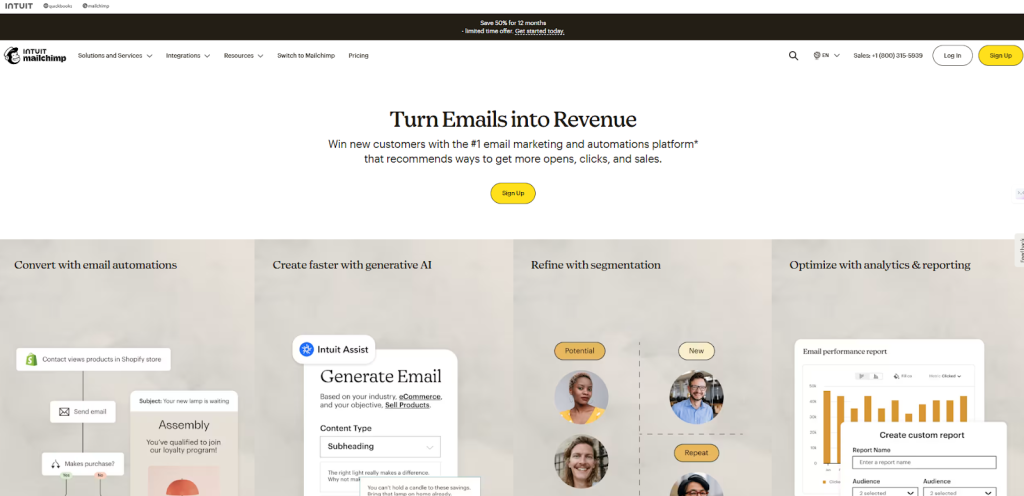
Mailchimp is a full marketing platform—lists, analytics, automation, and a built-in editor—so you can design and send in one place. If you want fewer tools to manage, this is appealing. The editor is friendly, the templates are solid, and e-commerce blocks help smaller stores move fast. While not as flexible as dedicated builders for code-level control, it’s dependable email template software inside a platform many teams already use.
Advantages
- One login for design, sending, automation, analytics, and forms.
- Templates and e-commerce content blocks are beginner-friendly.
- Strong ecosystem of integrations and tutorials.
Disadvantages
- Less granular control than specialized editors (especially for devs).
- Costs climb with list size and advanced automation.
Integrations
Hundreds of app connections (CRMs, e-commerce, CMS). Works best if Mailchimp is your primary sending platform.
Pricing (typical structure)
- Free: Starter features and small audiences.
- Essentials/Standard/Premium: Scales with audience and automation depth.
5) Moosend — Budget-friendly with automation and a solid editor
Overview
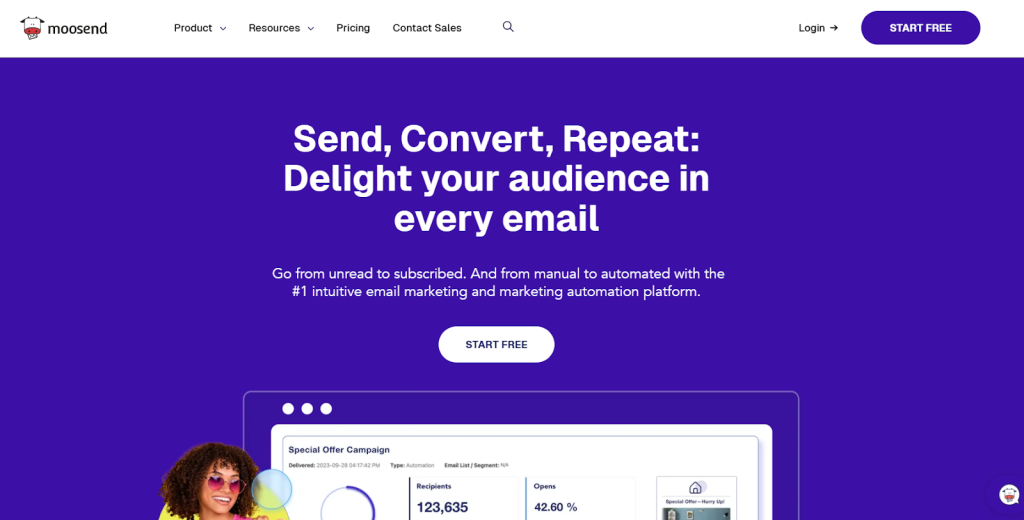
Moosend combines an approachable builder with marketing automation and personalization. It’s a smart pick for small businesses that want more than design but don’t need enterprise complexity. Templates are clean, and you can customize without fuss—making it a practical choice when you’re comparing email builder tools and need a balanced feature set.
Advantages
- Friendly editor plus automation and segmentation.
- Good value for price; easy to onboard new teammates.
- Clean, responsive templates.
Disadvantages
- Less advanced module systems than design-first platforms.
- Larger agencies might outgrow its workflow features.
Integrations
E-commerce and CRM connections (Shopify, WooCommerce, Zapier) plus HTML export.
Pricing (typical structure)
- Trial: Enough to test flows and templates.
- Paid tiers: Scale by contacts and features; still affordable.
6) SendPulse — Multi-channel hub with an easy email editor
Overview
SendPulse offers email, SMS, push notifications, and chatbots in one place. If you’re running several channels with small teams, that’s handy. The email editor is simple and fast, with prebuilt blocks and automation. It’s not the deepest designer’s canvas, but as email design software inside a bigger toolbox, it’s efficient and budget-friendly.

Advantages
- Multi-channel campaigns from a single dashboard.
- Simple editor; quick to train teammates.
- Competitive pricing and a generous starter tier.
Disadvantages
- Less granular design control than specialist builders.
- Template library and dev-level options are more basic.
Integrations
Works with popular CMSs, CRMs, and shops; API and Zapier extend reach.
Pricing (typical structure)
- Free: Good for getting started.
- Paid: Scales by contacts/channels; remains cost-effective.
7) Canva — Design-first visuals; pair with your ESP
Overview
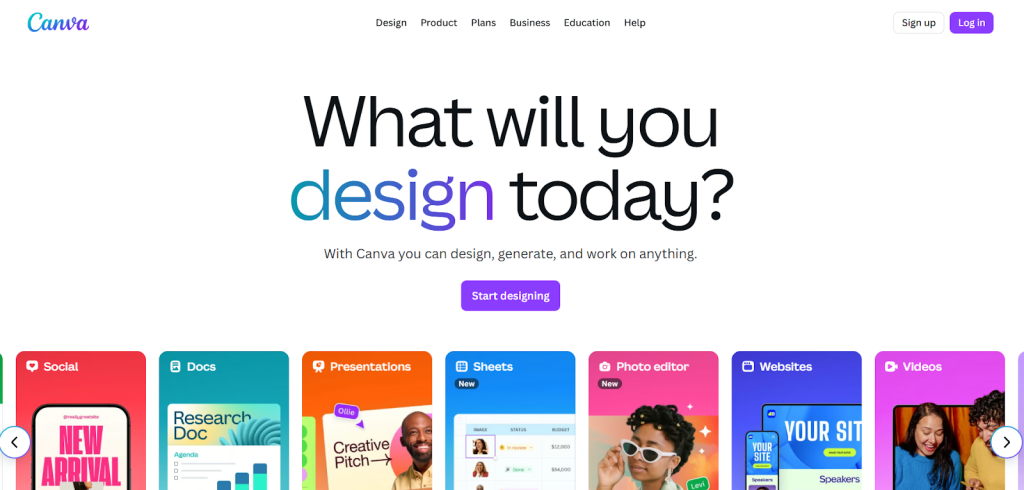
Canva isn’t a traditional editor for code-perfect layouts, but it’s excellent for visuals. Many teams design hero images, banners, and even simple email sections in Canva, then pull them into a sending platform. For style-heavy brands, it’s a great free email templates builder to craft on-brand graphics and collaborate with non-technical stakeholders.
Advantages
- Huge library of templates, fonts, and elements.
- Real-time collaboration; great for brand kits and quick iterations.
- Easy to hand off visuals to marketers or developers.
Disadvantages
- Limited HTML control; you’ll still need an ESP/builder to send and fine-tune code.
- Full emails made purely in Canva can be less flexible for responsive nuances.
Integrations
Tight with design workflows and select ESPs (exports, add-ons). Works best as a visuals companion.
Pricing (typical structure)
- Free: Very capable for many teams.
- Pro/Teams: Advanced brand and collaboration features.
8) MailerLite — Clean editor with strong value for creators and SMBs
Overview
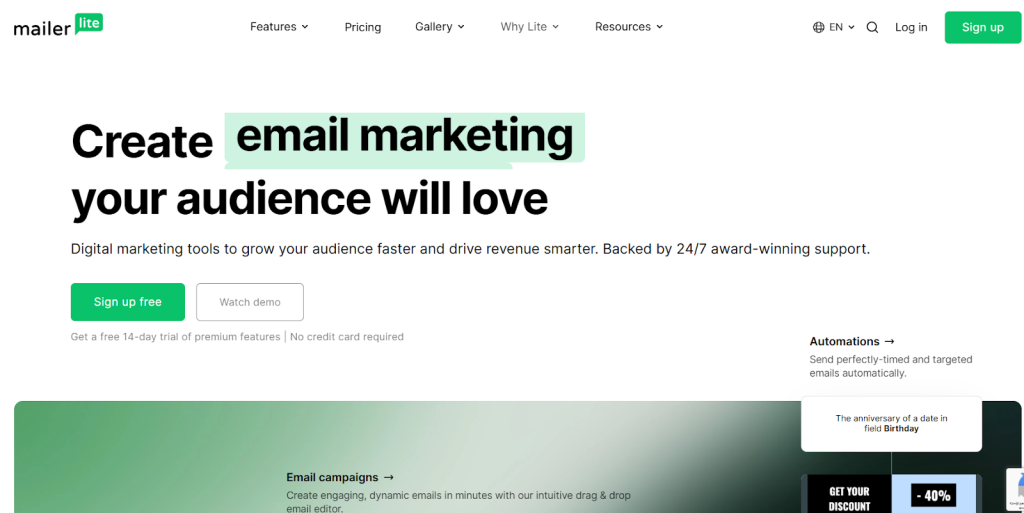
MailerLite combines a clear, friendly editor with landing pages, forms, and basic automation. It’s ideal for creators, bloggers, and SMBs who want fewer tools and faster execution. If you need dependable design without enterprise complexity, it’s one of the most practical email template tools for the price.
Advantages
- Simple editor; good defaults for spacing and typography.
- Solid deliverability and built-in landing pages/forms.
- Fast onboarding and helpful documentation.
Disadvantages
- Power users may want deeper dev-level control.
- Large teams might need more nuanced collaboration.
Integrations
Connectors for CMSs, shops, and analytics; HTML import/export supported.
Pricing (typical structure)
- Free: Generous for new lists.
- Growing Business/Advanced: Scales with audience and features.
9) Topol.io — Lightweight editor with straightforward exports
Overview
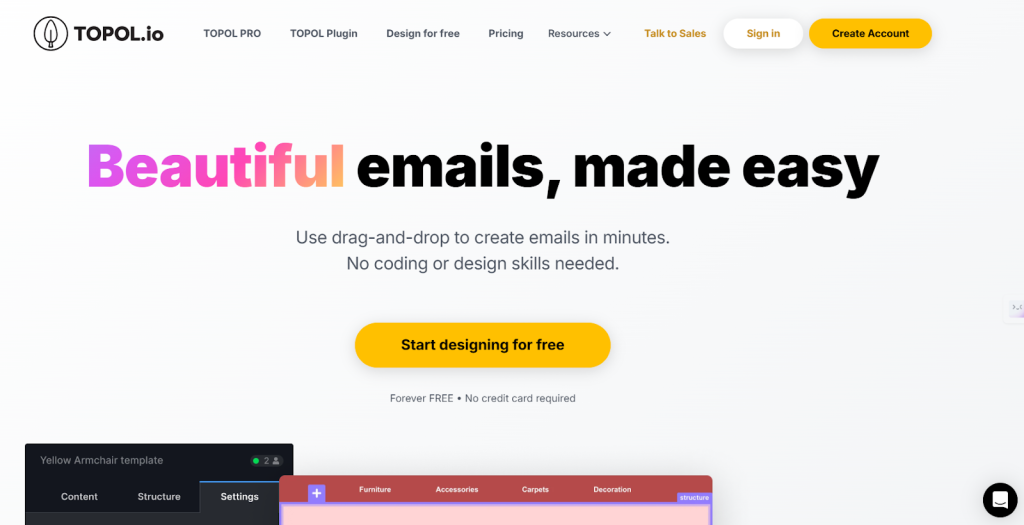
Topol.io is a clean, focused editor aimed at quick production and reliable HTML export. It’s great for freelancers and small teams that want to move fast without a long learning curve. If you’re looking for a practical, minimal email template tool to build and ship with no drama, Topol.io delivers.
Advantages
- Very easy to use; fast template tweaks.
- Straightforward HTML export; no heavy setup.
- Affordable for solo users and boutiques.
Disadvantages
- More basic collaboration and governance features.
- Fewer deep controls than advanced builders.
Integrations
Exports to common ESPs and supports plugin use in other systems.
Pricing (typical structure)
- Free: Quick testing and small projects.
- Pro/Teams: Adds exports, storage, and shared workspaces.
10) Tabular — Modular, developer-friendly email building
Overview
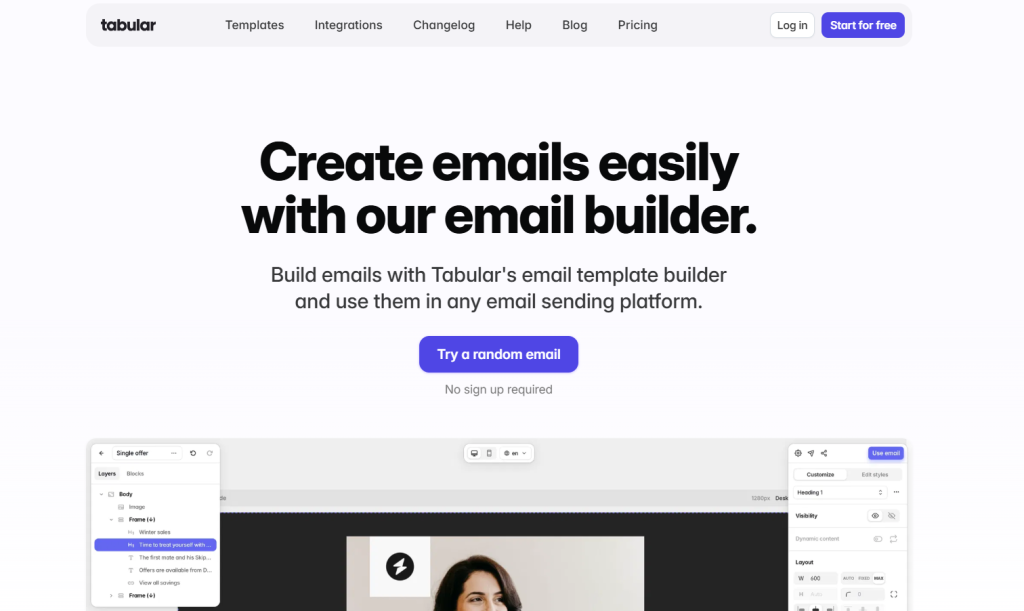
Tabular targets teams who want component-driven email systems and fine control over structure. It leans into reusable parts, consistent spacing, and predictable output—helpful for designers and developers running multi-brand ecosystems. If you’re seeking email builder tools that encourage system-level thinking, Tabular is worth a look.
Advantages
- Component-based building blocks encourage consistency.
- Predictable rendering across major clients.
- Good balance of no-code and code-friendly options.
Disadvantages
- Smaller template library than long-standing rivals.
- A little technical for absolute beginners.
Integrations
HTML export and connectors to popular ESPs; fits well in dev-led stacks.
Pricing (typical structure)
- Free: Evaluate structure and workflow.
- Paid: Unlocks team features and larger workspaces.
Why Stripo stands out (the short version)
If your biggest pain is designing great-looking, consistent emails fast—and exporting anywhere—Stripo is hard to beat. It offers the flexibility developers want and the ease marketers need. That balance, plus its deep library and one-click exports, is what keeps it in the conversation for best email builder in real-world stacks.
Quick wins with Stripo:
- Build a reusable module library (headers, hero, product block, footer) once—then drag and drop forever.
- Keep brand rules strict with shared styles and locked elements.
- Export to your sending platform in one click, or grab the HTML and go.
Final recommendation
- Pick Stripo if you want the most flexible creation experience and reliable exports across your entire stack—the safest choice for teams chasing speed and control, and my top pick for best email template builder.
- Choose BEE Free or Topol.io when you want a fast, lightweight editor (and a best free email template builder option to try).
- Go with Chamaileon for deep collaboration and brand governance at agency/enterprise scale.
- Use Mailchimp or Moosend if you want design plus all-in-one sending and automation.
- Add Canva for on-brand visuals; pair it with your primary builder for code-perfect output.
- Consider MailerLite when you need strong value and a simple, dependable toolset for creators and SMBs.
- Try Tabular if your team loves modular systems and dev-level structure.
Leave a Reply